PDF tools Early access
JustMakePDF
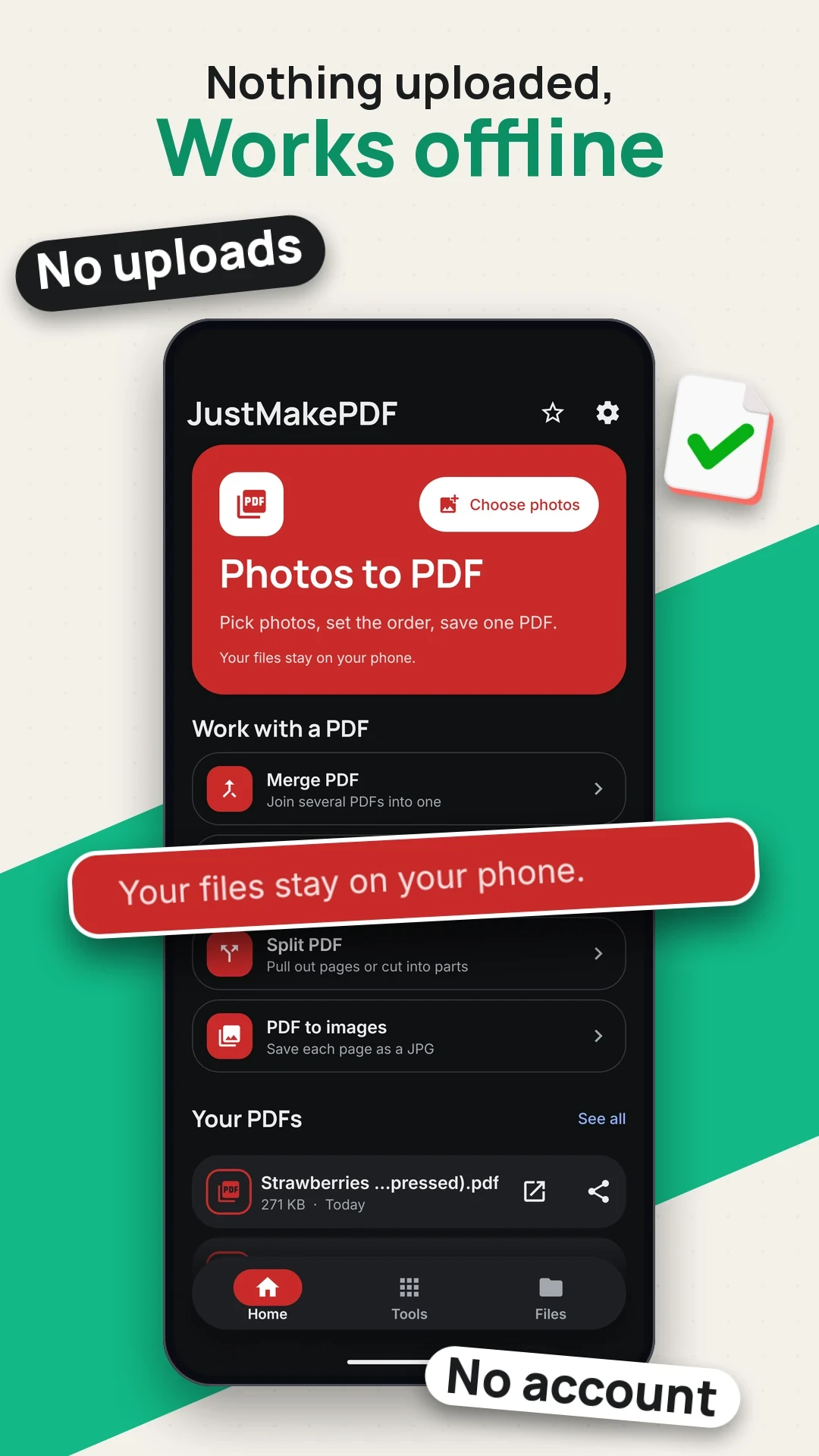
Images to PDF and PDF tools on your phone. No uploads, no account.
Pick pictures, put them in order, choose a page size and save one PDF. Merge, split and compress PDFs too. Nothing is uploaded, and you do not need an account.
Get early access
JustMakePDF is not on Google Play yet. Two quick steps:
-
Join the group
Join the testers group
Use the Gmail account from your phone’s Play Store.
-
Link coming soon
Become a tester
Open the link on your phone, tap Become a tester, then install.
Android phones only.
Pick pictures. Get a PDF.
-
Pick pictures or a PDF
Choose them in the app, or share pictures to JustMakePDF from your gallery.
-
Choose what you want
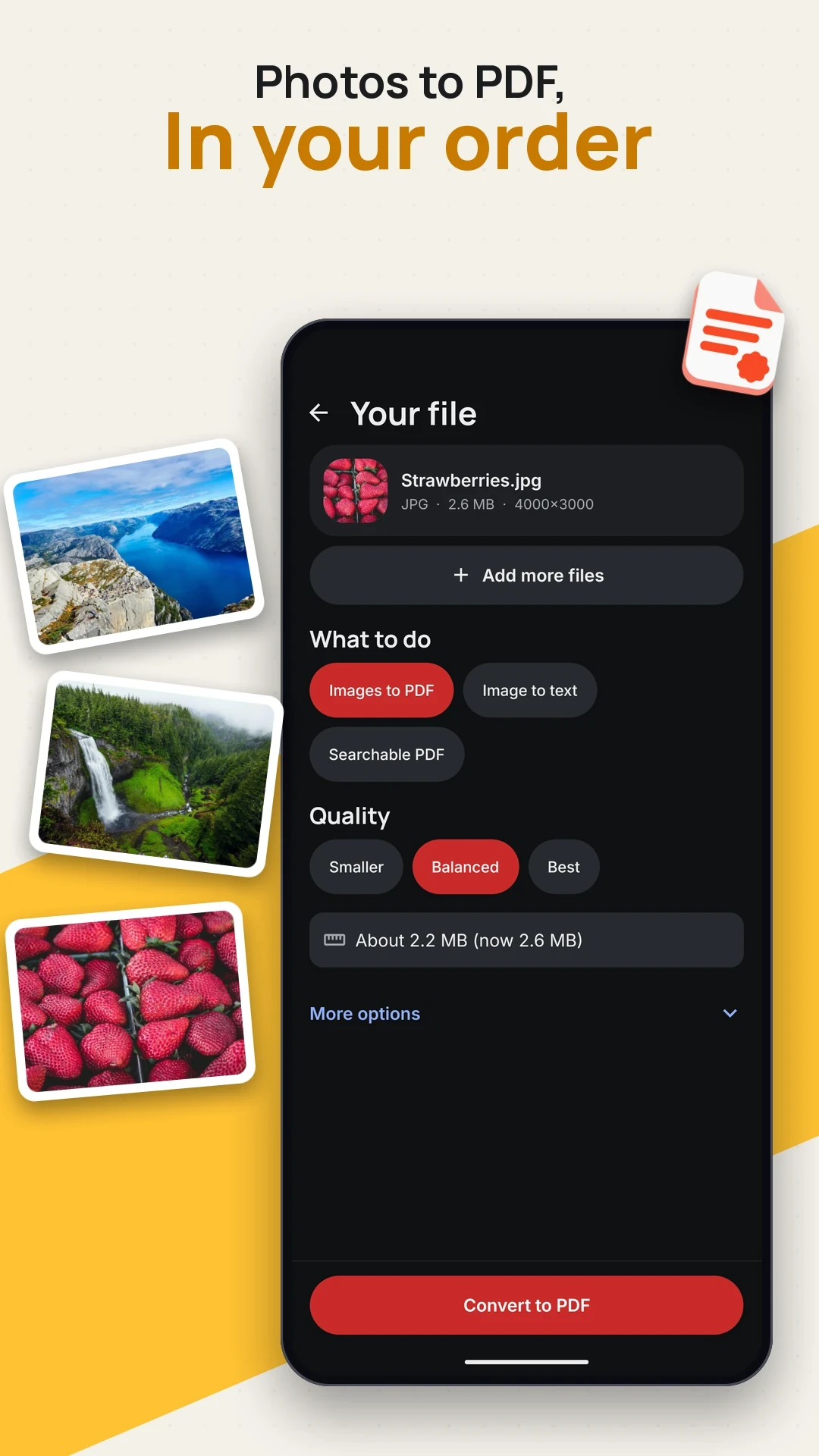
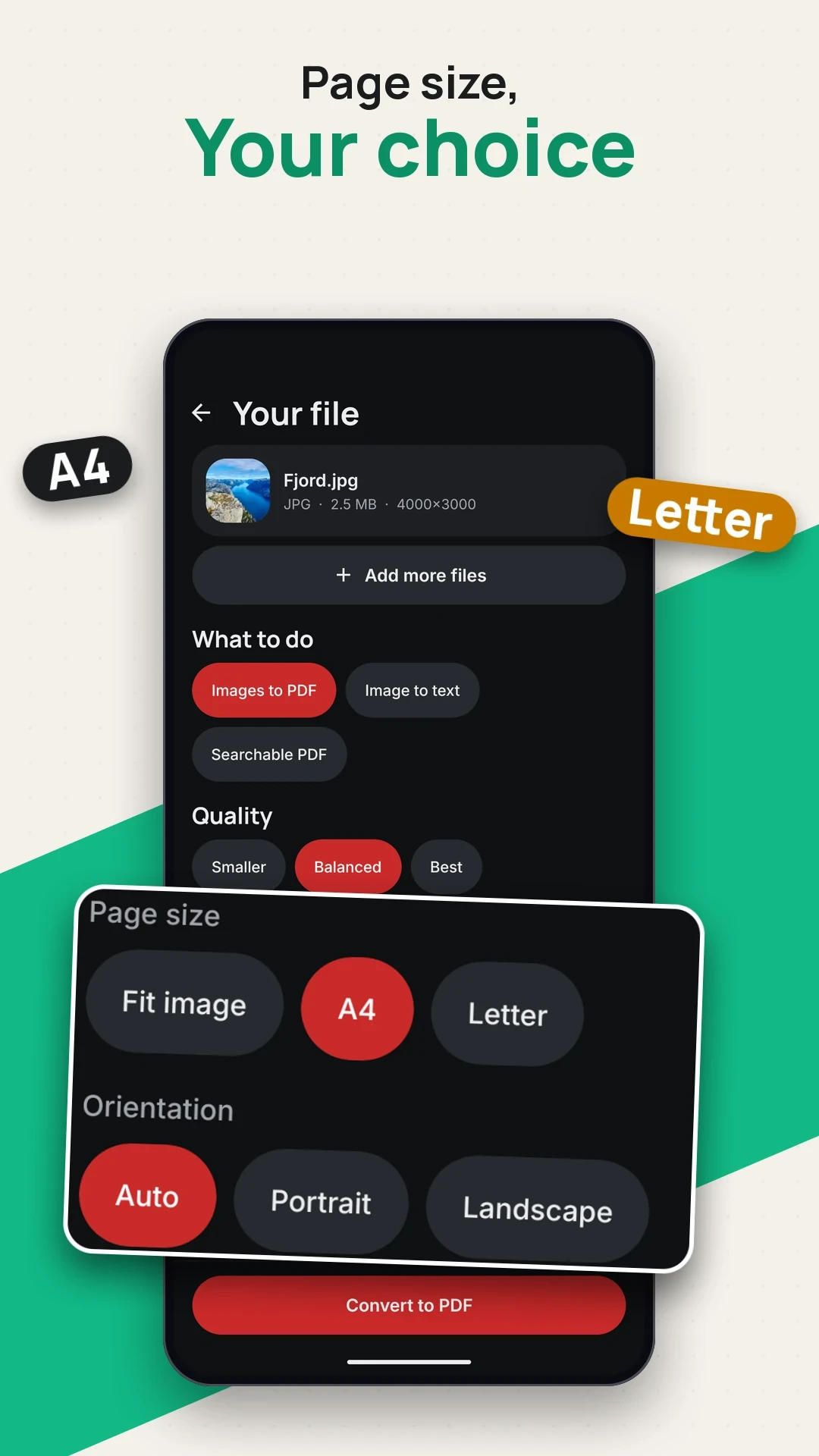
Set the order, page size, orientation and margin, or pick a tool such as Merge or Compress.
-
Save or share
Save one PDF to your phone or share it. No watermark unless you add one.
Make and edit PDFs on your phone.
Private by design
Every file is processed on your phone, not on a server. No upload, no sign-up, and it works without an internet connection.
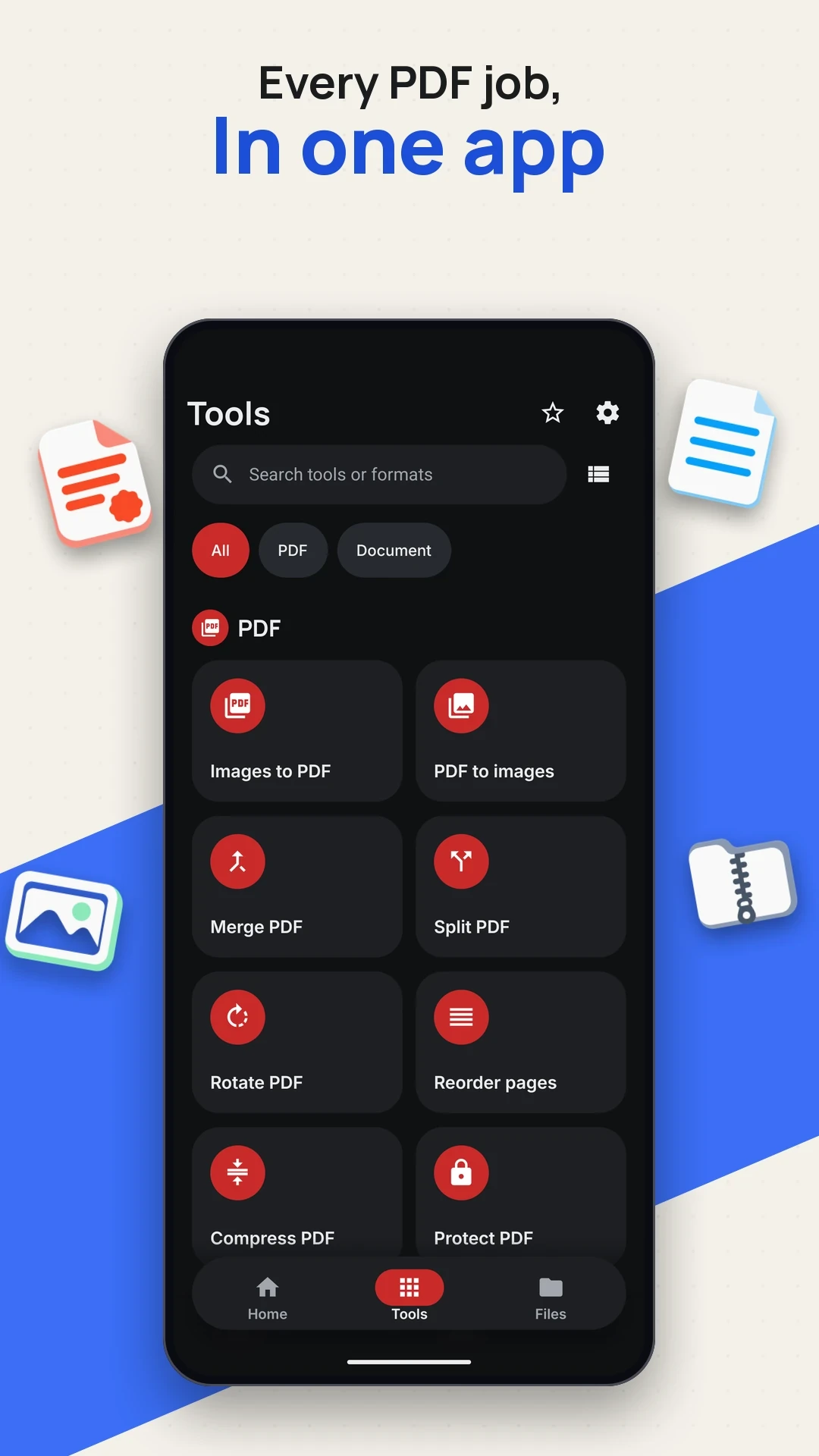
Image to PDF
JPG to PDF, PNG to PDF and photo to PDF. Many pictures in one PDF, in the order you choose, with page size, orientation and margin.
Merge and split
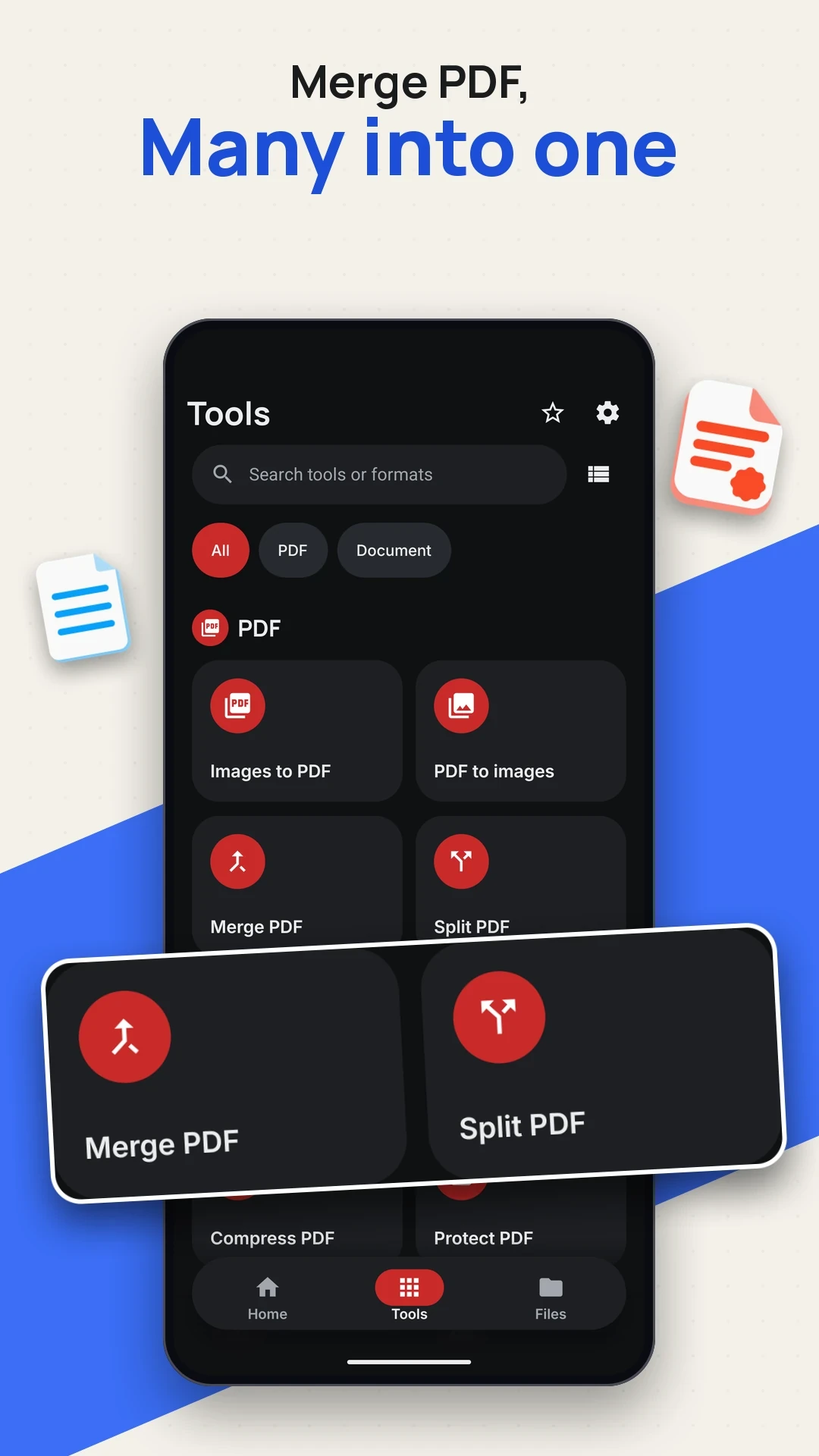
Merge PDF files into one. Split a PDF by pages, by ranges or every few pages. Rotate pages and change their order.
Compress a PDF
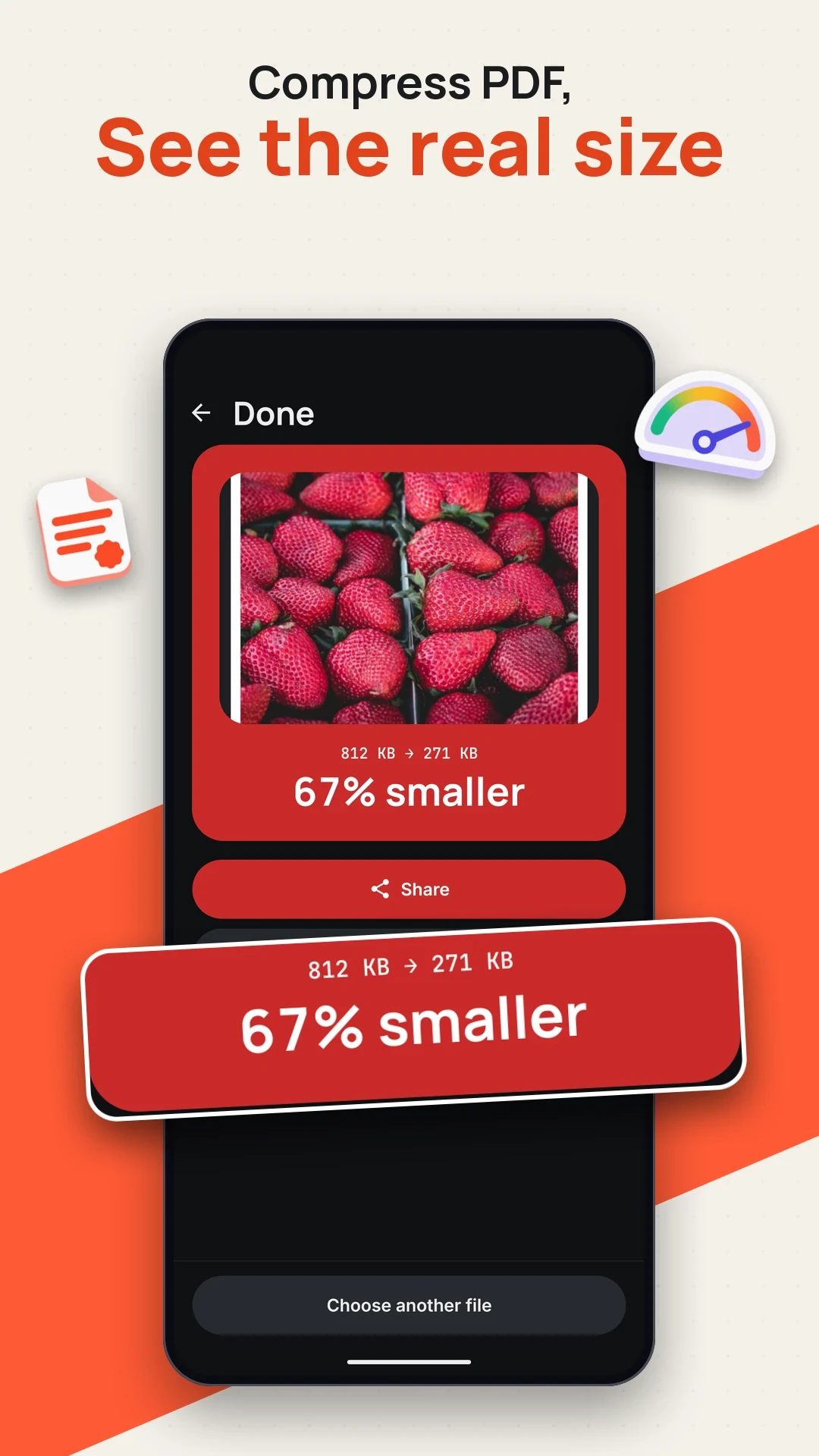
Make a PDF a smaller file, so it is easier to send.
Password and marks
Add a password, or remove one you know. Add a text watermark or page numbers.
PDF to JPG or PNG
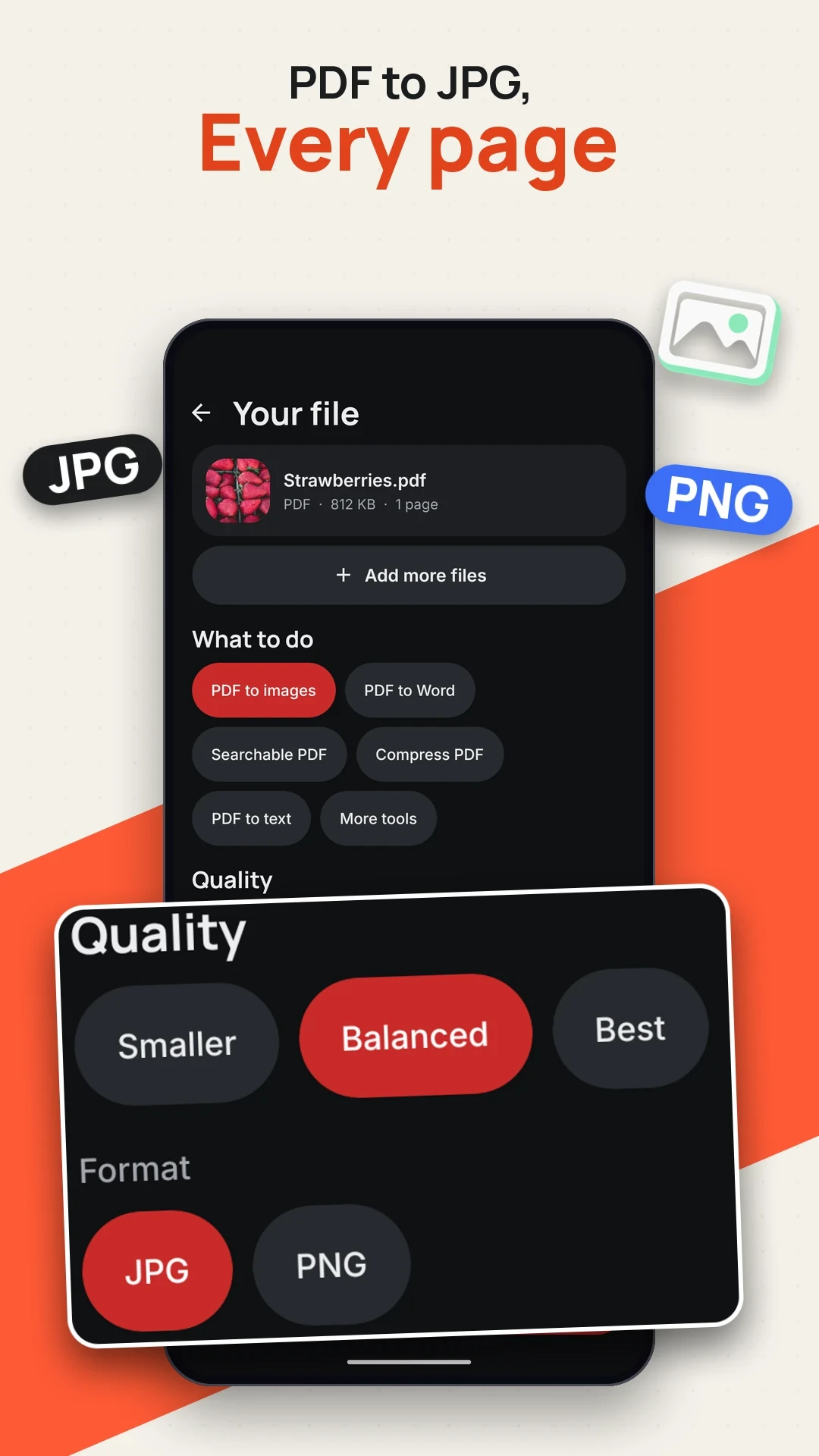
Save the pages of a PDF as pictures. You can also put several pages on one sheet to save paper.
Text and OCR
Read the words in a photo and copy them, turn a scanned PDF into text, or make a scanned PDF searchable. PDF to Word keeps the text and pictures, not the page layout.
Other files to PDF
TXT, Markdown, HTML, CSV, JSON, SRT and EPUB to PDF.
JustMakePDF does not convert Word, Excel or PowerPoint files to PDF. There is no camera scanner, so take the photos with your camera app first. Text reading works best on clear, straight photos of printed text.
From the app.
App facts
- Price
- Free, with ads. Optional Pro
- Platform
- Android phones
- Your files
- Never uploaded
- Account
- None needed
JustMakePDF is free to use and shows ads. Pro removes ads and the daily limit on large jobs. Prices and billing periods are shown in the app before you buy.
Questions or a bug to report? Visit support or write to support@insolublelabs.com. Read how the app handles data in our privacy policy and the rules for using it in the terms of use.
More apps from Insoluble Labs
All apps-

Sleep sounds · On Google Play
Peaceful Rain
Rain scenes to fall asleep to, with a small mixer and a sleep timer.
-
File converter · Coming soon
Vertly
Convert PDFs, photos, audio and video on your phone. No uploads, no account.
-
Video compressor · Coming soon
Vidnano
Make videos smaller on your phone. No uploads, no account.
-

Audio tools · Coming soon
Soundpeel
Video to MP3 and audio tools on your phone. No uploads, no account.
-
Photo compressor · Coming soon
Photonano
Make photos smaller and convert images. No uploads, no account.